Logo file formats explained: What you need and when to use them
So, you’ve just received your brand-new logo — exciting!
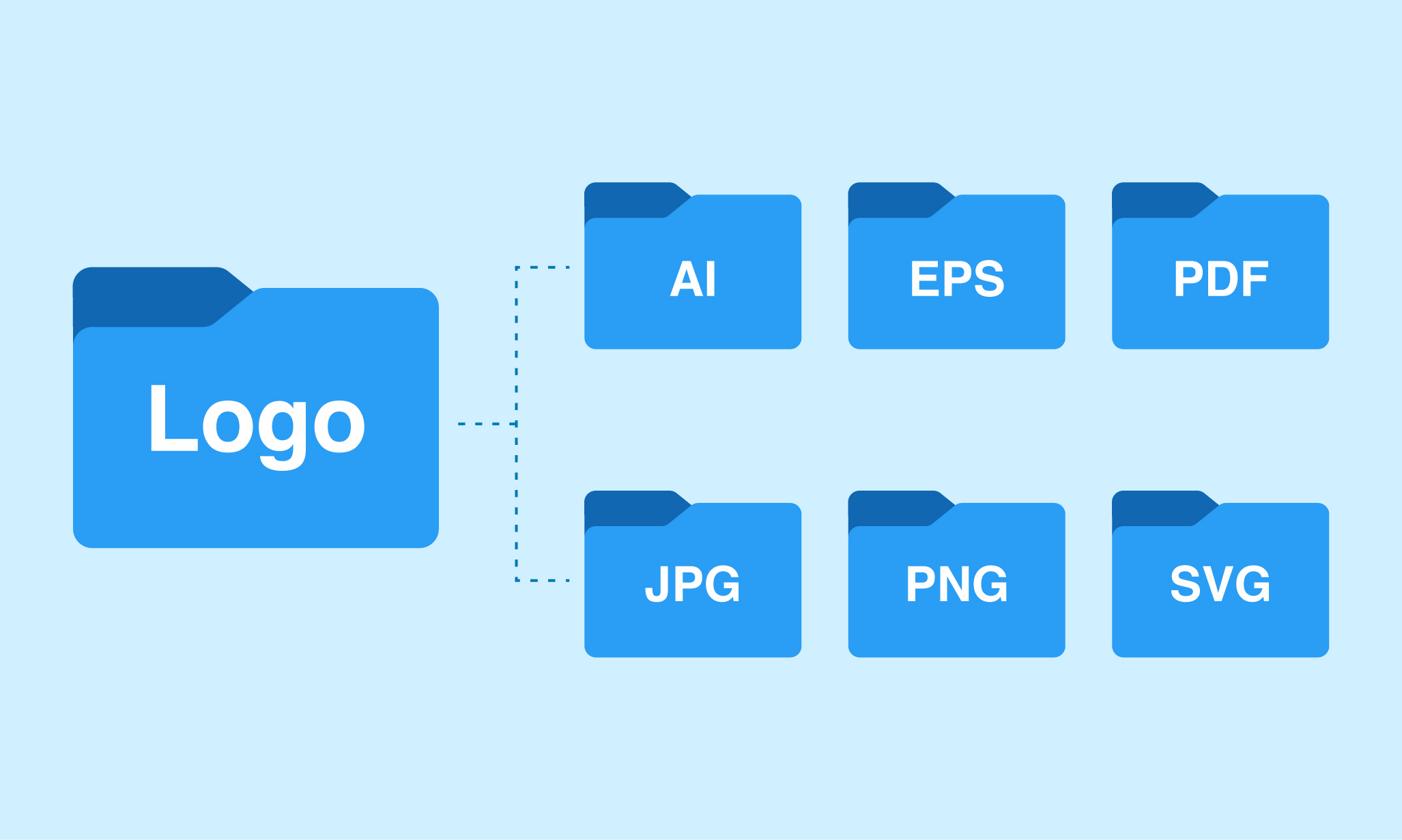
But then you open the folder, and suddenly you're staring at a bunch of mysterious file types: .AI, .EPS, .PDF, .PNG, .SVG, .JPG… What do they all mean? Which one should you use on your website? Can you send the right one to your printer? Don't worry — we’ve got you covered. In this guide, we’ll walk you through the most common logo file formats, what each one is best for, and why having the right version matters.
Raster vs. Vector: The first thing to understand
Before diving into file extensions, you need to understand two key categories of image formats:
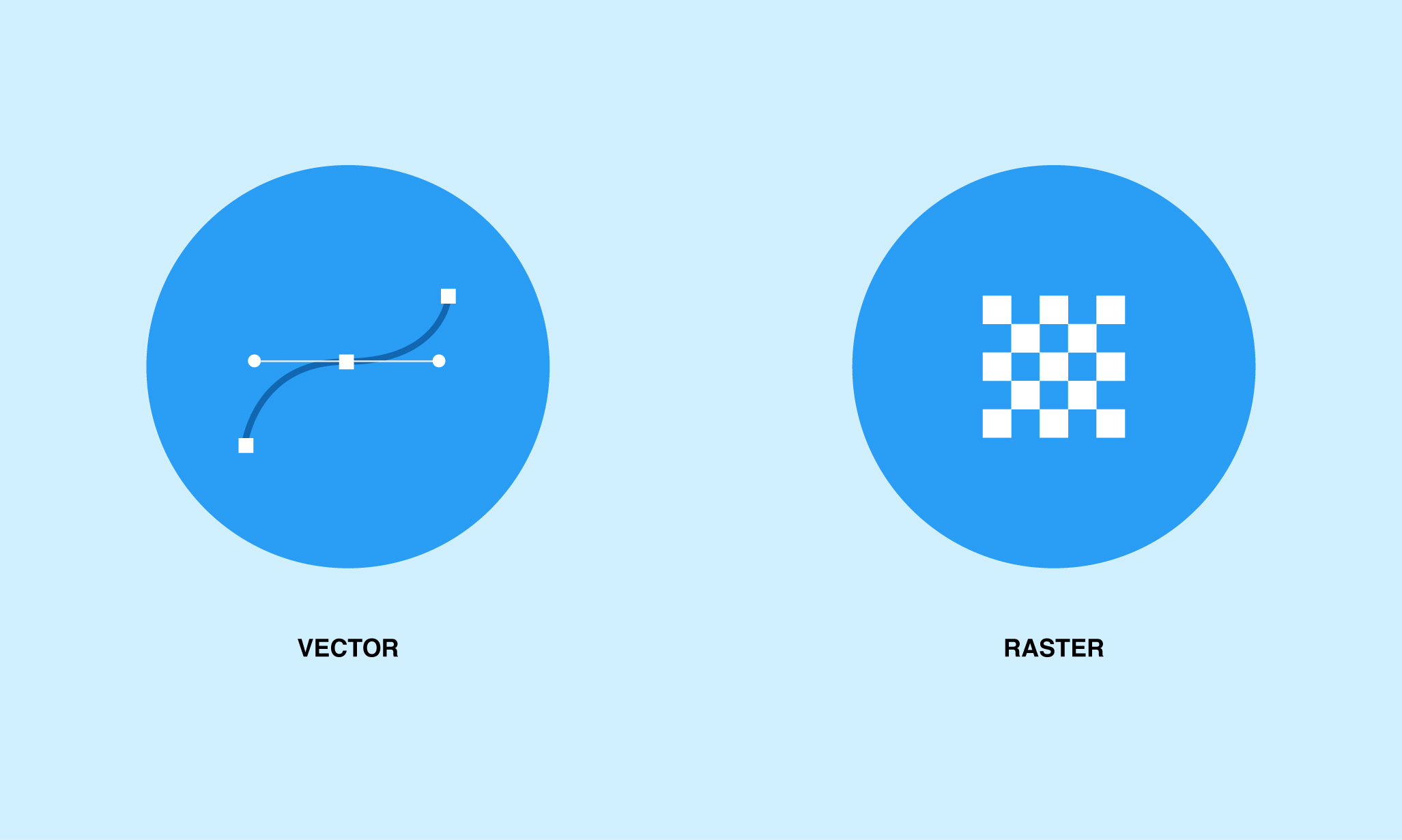
Vector files
- Made of paths, not pixels
- Infinitely scalable without losing quality
- Ideal for printing, resizing, and editing
Examples: .AI, .EPS, .SVG, .PDF
Raster files
- Made of pixels (dots of color)
- Quality depends on resolution (can become blurry when enlarged)
- Best for digital use
Examples: .JPG, .PNG, .GIF
Essential logo file types (and what they’re for)
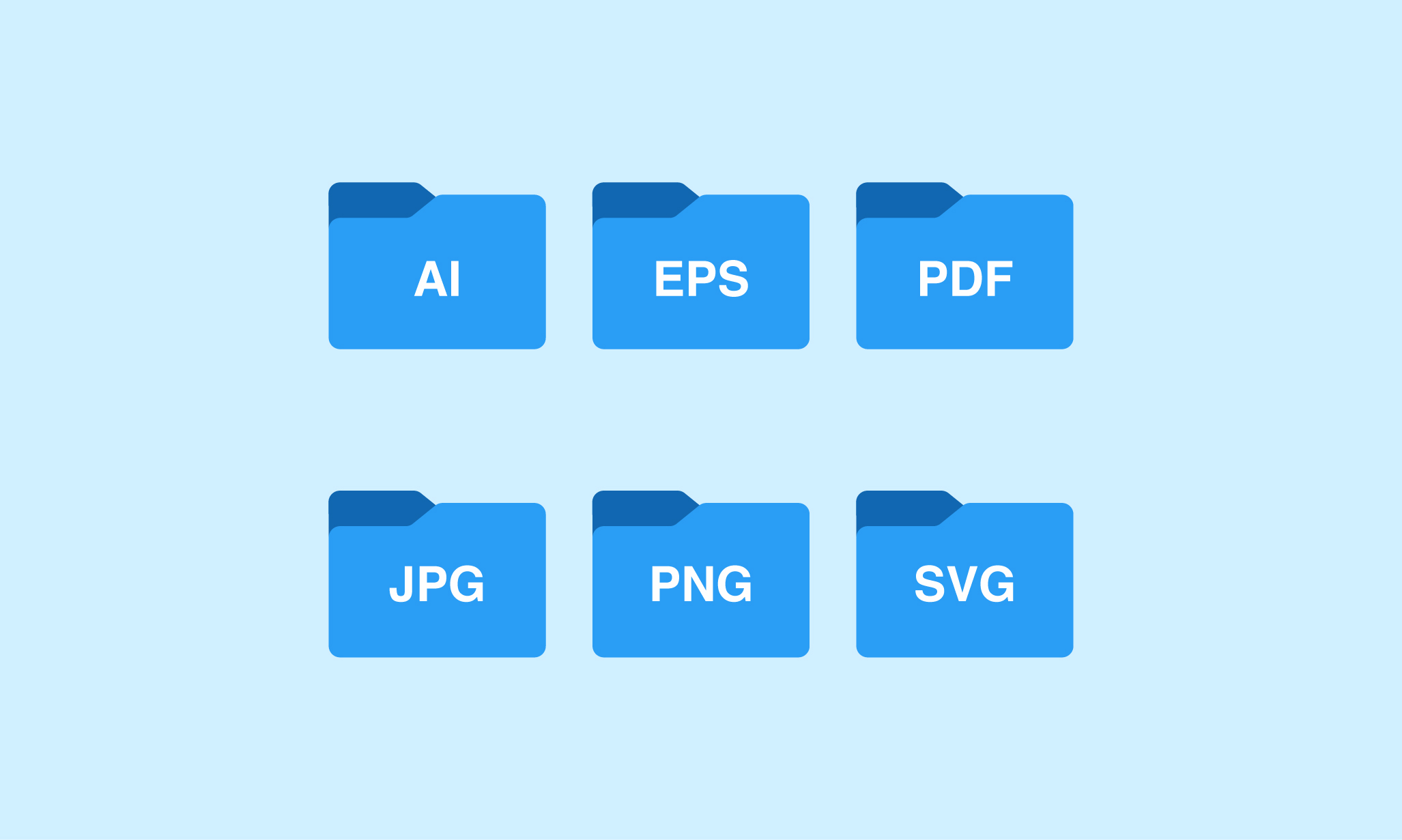
AI (Adobe Illustrator)
- What it is: The original, editable vector file created in Adobe Illustrator
- Best for: Designers, future edits, large-scale printing
- Pro tip: This is your master file — keep it safe, even if you can’t open it yourself.
EPS (Encapsulated PostScript)
- What it is: A universal vector format that works with most design software
- Best for: Professional printing, signage, embroidery
- Pro tip: Many printers will ask for this file. It's like the industry-standard passport for your logo.
PDF (Portable Document Format)
- What it is: A flexible file that can contain vector or raster graphics
- Best for: Print-ready proofs, sharing across platforms, and quick previews
- Pro tip: If your PDF was saved from a vector program, it's often just as useful as an EPS.
SVG (Scalable Vector Graphics)
- What it is: A web-friendly vector file
- Best for: Websites, responsive logos, mobile interfaces
- Pro tip: SVGs are crisp at any size and load quickly — perfect for modern web design.
PNG (Portable Network Graphics)
- What it is: A high-quality raster image with a transparent background
- Best for: Websites, social media, presentations
- Pro tip: Use PNGs when you need your logo to appear over colored backgrounds or photos.
JPG / JPEG (Joint Photographic Experts Group)
- What it is: A compressed raster image with a solid background
- Best for: Digital documents, email signatures, quick previews
- Pro tip: Not ideal for printing or transparent backgrounds — use it for simple web display.
Quick reference: When to use what
| Website header/logo | SVG, PNG |
| Business cards or brochures | PDF, EPS |
| Social media profile images | PNG, JPG |
| Embroidery or merchandise | EPS, PDF |
| Presentations | PNG, PDF |
| Sending to a designer/printer | AI, EPS, PDF |
Why you need a logo file kit?
When you work with a professional designer (like us!), you should receive a full set of logo files tailored to different platforms and use cases. A complete logo package ensures your brand looks sharp and consistent everywhere — from Instagram stories to billboards.
At Brandbusters, we always provide:
- Full-color, black, and white versions
- Horizontal and stacked layouts
- Raster and vector files
- Print-ready and digital-optimized formats
Final thoughts
Logo file formats might seem confusing at first, but they’re essential for keeping your brand flexible, scalable, and polished. With the right files in your toolkit, you’ll never have to scramble before a big print job or worry about blurry logos online. Still unsure which file to use? Just ask — we’re here to help.